
MD Viewer OCR Translate Word Reminder Focus One Thing Web Clipper Highlight & Note Dual Subtitle FloatPiP FloatScroll







Translated video subtitles

Subtitles in your language.

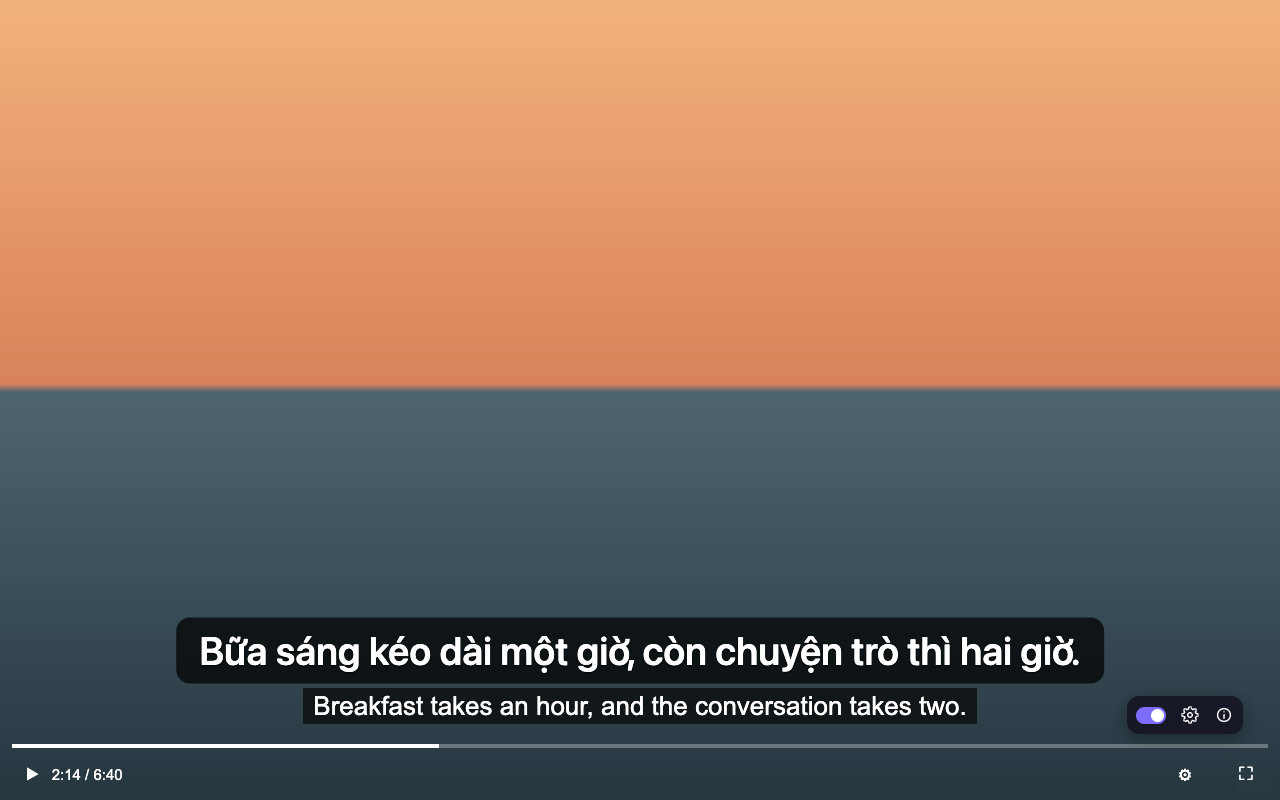
One clean translated line on the video, made on your computer. YouTube’s own captions stay as you set them.

youtube.com
Dual Subtitle

Everything you need.

Nothing you don’t.

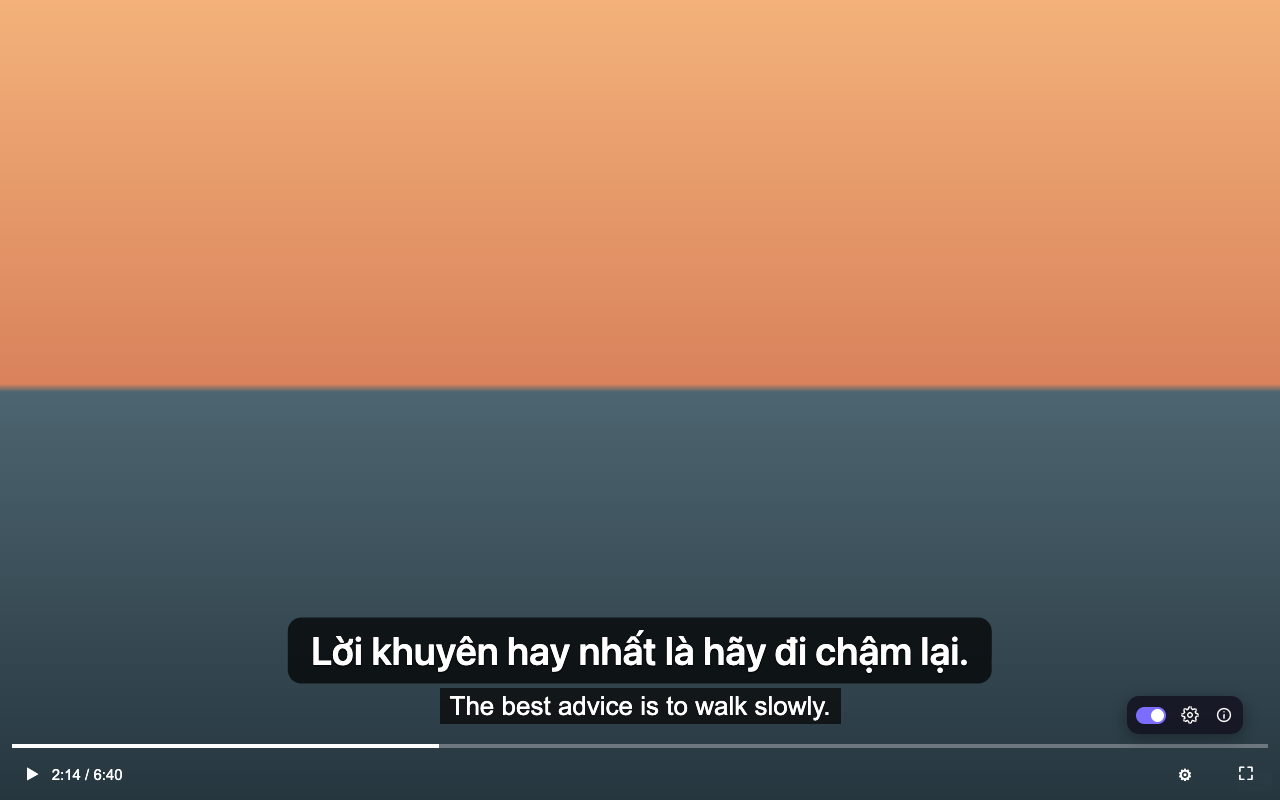
One clean line

Only the language you want, placed clear of the player’s captions and controls.

On-device translation

Add the languages you want; translated by Chrome’s built-in translator.

Your own file

Load an .srt or .vtt and adjust its timing.

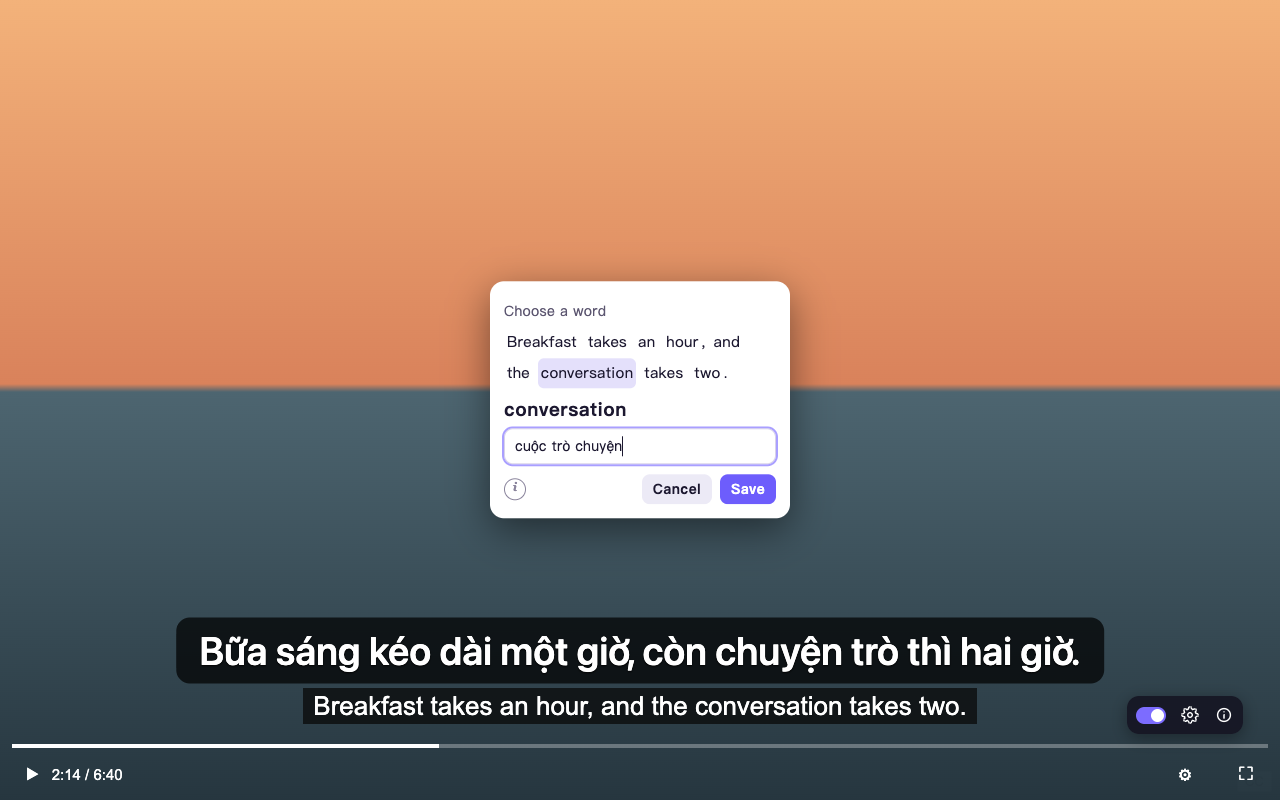
Save words

With the sentence and a link to the exact moment.

Word Reminder

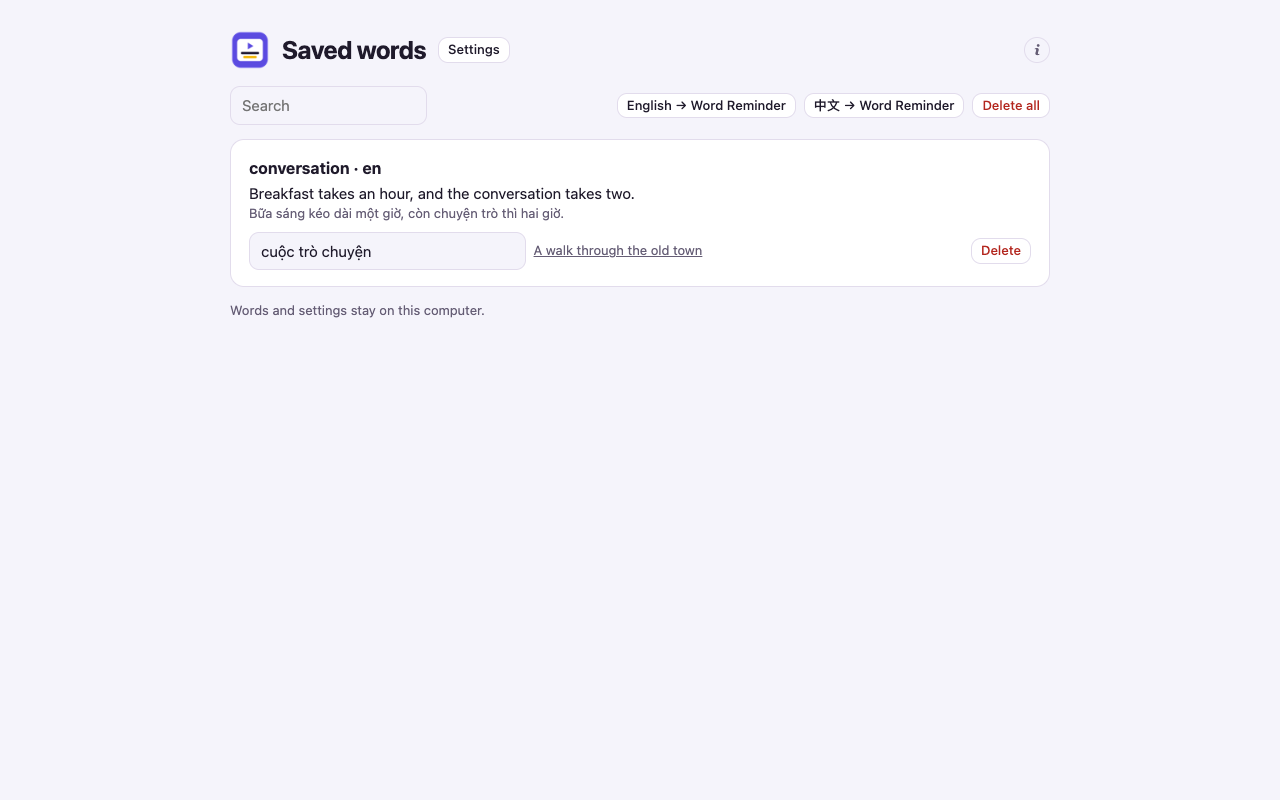
Export saved words and learn them while you browse.

Private

Subtitles are not uploaded.

Save words

With the sentence and a link to the exact moment.

Save words

Get started in a minute.

A few short steps.

  1. 1

    Install Dual Subtitle

    1. Open Dual Subtitle on the Chrome Web Store.
    2. Click Add to Chrome.
    3. In the dialog, click Add extension.
    Add “Dual Subtitle”?
    It can: Read and change your data on www.youtube.com
    CancelAdd extension
  2. 2

    Pin it to the toolbar

    1. Click the puzzle-piece icon at the top-right of Chrome.
    2. Find Dual Subtitle and click the pin.
    example.com
    Extensions
    Dual Subtitle
  3. 3

    Open a YouTube video that has captions

    Open a YouTube video that has captions.
  4. 4

    Click the extension icon to turn translated subtitles on or off

    Click the extension icon to turn translated subtitles on or off.
  5. 5

    The first time, let Chrome download the translation model

  6. 6

    Click the subtitle to save a word

    Languages and look: the gear above YouTube’s settings button.

    Click the subtitle to save a word.
  7. 7

    Open Saved words and export to Word Reminder

    Open Saved words and export to Word Reminder.

Keyboard shortcuts.

Alt + Shift + S

Turn subtitles on or off

Questions? Answers.

Which Chrome do I need?

Chrome 138 or newer on desktop for translation. Older versions can use a subtitle file.

The video has no captions?

Load an .srt or .vtt file.

Is it made by YouTube?

No. It is an independent tool and is not affiliated with YouTube or Google.